Laptop vs Desktop vs Mini PC — The Complete Guide
Buying a computer in 2026 isn’t as simple as it used to be. You’re no longer choosing between just “PC or laptop”—now you’ve got laptops, desktops, and mini PCs, each powerful enough for different lifestyles.
The truth? There is no “best” option—only the right one for your needs.
Let’s break it down in a practical, no-nonsense way.
🚀 Step 1: Start With Your Use Case (Not Specs)
Before comparing devices, ask yourself:
- Do I need portability?
- What kind of work will I do? (gaming, coding, editing, office work)
- Do I care about future upgrades?
- How much space do I have?
Your answers will decide everything.
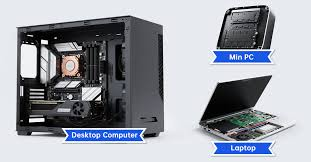
🧠 Understanding the 3 Options
💼 1. Laptop — The All-in-One Flexible Machine
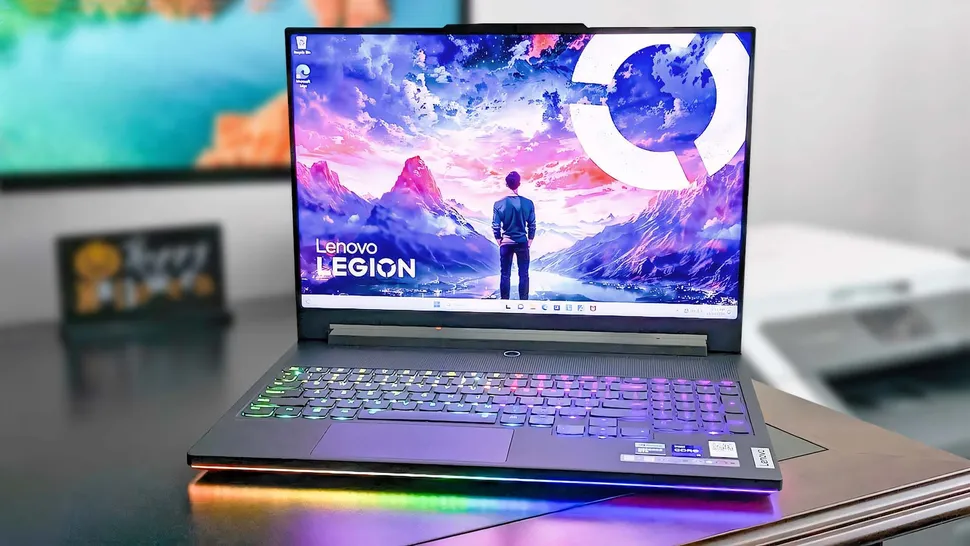
A laptop combines everything—screen, keyboard, battery—into one portable device.
✅ Best for:
- Students
- Remote workers
- Travelers
- Anyone needing mobility
👍 Pros:
- Ultimate portability — work from anywhere
- Ready to use out of the box
- Built-in battery (no power needed constantly)
👎 Cons:
- Limited upgrade options
- Lower performance than desktops at same price
- Battery degrades over time
💡 In 2026, laptops are still the most convenient choice, especially if you move around frequently.
🖥️ 2. Desktop — The Powerhouse
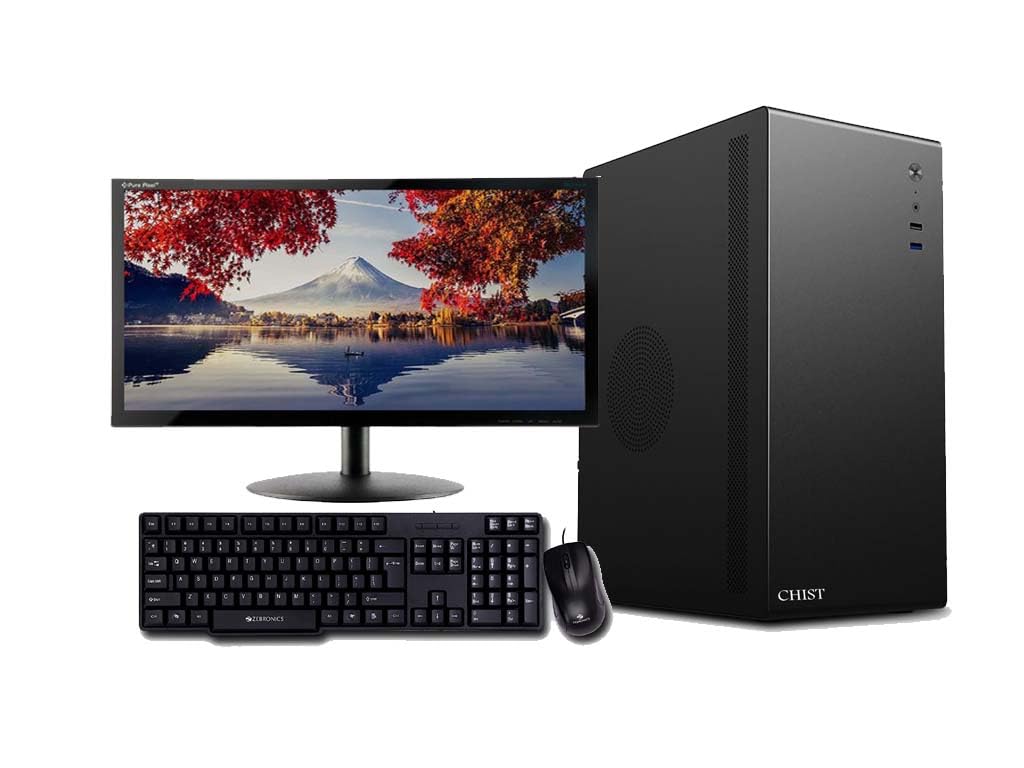
A desktop is the traditional tower setup with separate monitor, keyboard, etc.
✅ Best for:
- Gamers
- Video editors & designers
- Engineers & developers
- Power users
👍 Pros:
- Maximum performance (best CPUs & GPUs)
- Excellent cooling → better sustained speed
- Fully upgradeable (RAM, GPU, storage, etc.)
- Longer lifespan
👎 Cons:
- Not portable at all
- Takes more space
- Higher power consumption
⚡ Desktops still dominate heavy workloads like 4K gaming, 3D rendering, and simulations because they can run full-power components.
🧊 3. Mini PC — The New Middle Ground
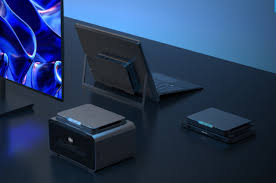
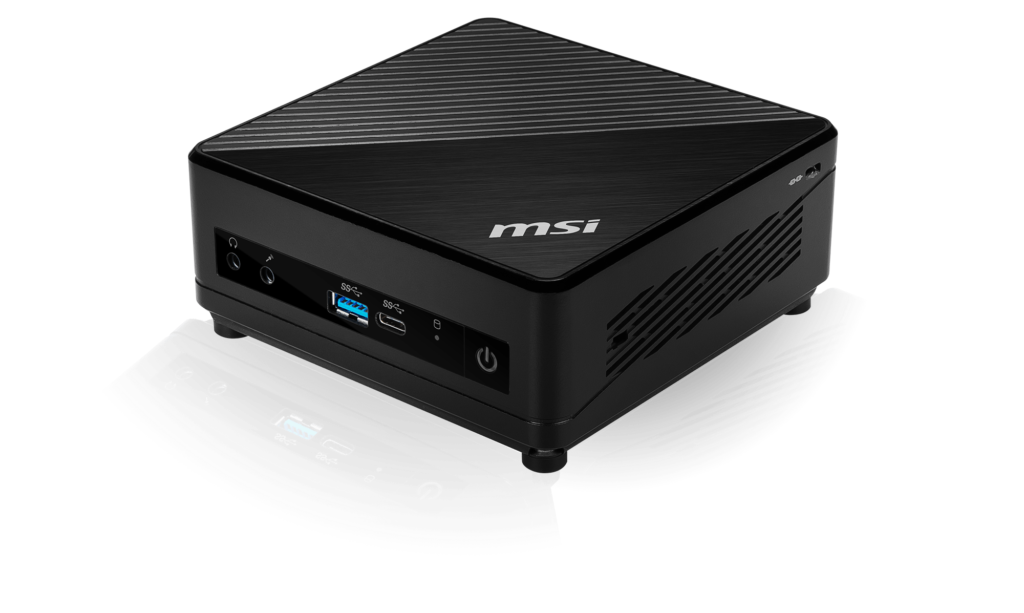
Mini PCs are small, compact computers (about the size of a book) that sit on your desk.
✅ Best for:
- Office work
- Students with fixed setup
- Home users (browsing, streaming)
- Minimalist setups
👍 Pros:
- Very compact and space-saving
- Energy-efficient and quiet
- Good performance for everyday tasks
- Often cheaper than desktops
👎 Cons:
- Limited upgradeability
- Needs external monitor & accessories
- Not ideal for high-end gaming
📈 In 2026, mini PCs have become powerful enough for most daily tasks, with performance close to mid-range desktops for normal use.
⚖️ Quick Comparison Table
| Feature | Laptop 💼 | Desktop 🖥️ | Mini PC 🧊 |
|---|---|---|---|
| Portability | ⭐⭐⭐⭐⭐ | ⭐ | ⭐⭐ |
| Performance | ⭐⭐⭐ | ⭐⭐⭐⭐⭐ | ⭐⭐⭐ |
| Upgradeability | ⭐ | ⭐⭐⭐⭐⭐ | ⭐⭐ |
| Space Required | ⭐⭐⭐⭐⭐ | ⭐⭐ | ⭐⭐⭐⭐ |
| Price-to-Performance | ⭐⭐⭐ | ⭐⭐⭐⭐ | ⭐⭐⭐⭐ |
| Best For | Mobility | Power users | Everyday use |
Key Questions to Ask Yourself
- Do I need to carry my computer daily? → Laptop
- Do I want maximum performance for gaming or editing? → Desktop
- Do I want a clean, compact setup for work or home? → Mini PC
- Will I upgrade components later? → Desktop
Final Verdict
There’s no one-size-fits-all answer:
- Go for a laptop if your life is mobile
- Choose a desktop if you want peak performance and flexibility
- Pick a mini PC if you value simplicity and space efficiency
The “right” computer isn’t the most powerful—it’s the one that fits seamlessly into your routine without compromise.