
If you’ve ever shopped for a computer or smartphone, you’ve probably seen terms like RAM, SSD, and CPU thrown around everywhere. They might sound technical, but the concepts behind them are actually quite simple once you break them down.
This guide will help you understand what each of these components does, how they work together, and what you should look for when choosing a device.
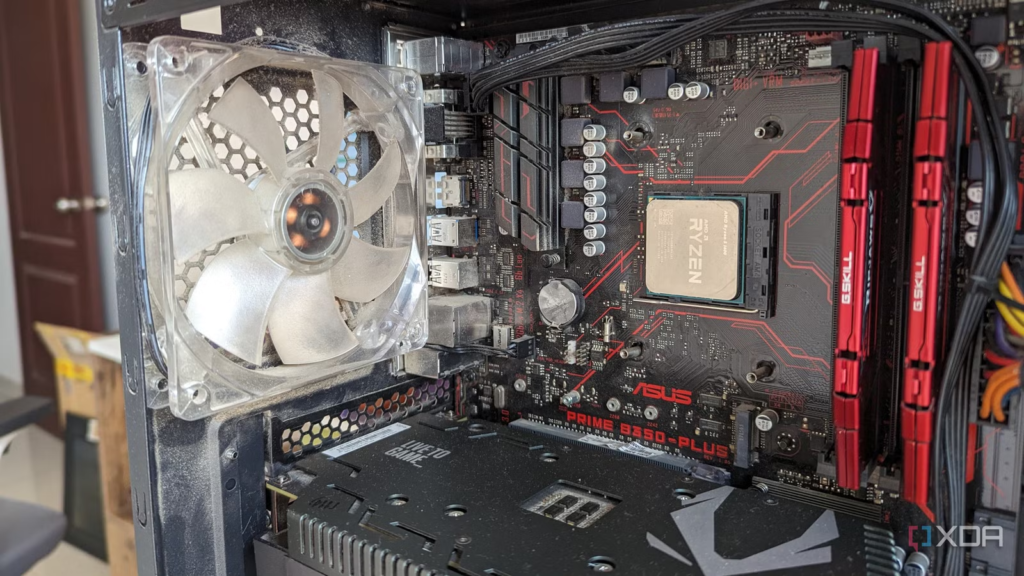
🧠 What is a CPU? (The Brain of Your Device)
The CPU (Central Processing Unit) is like the brain of your computer. It handles all the instructions and calculations that make your device work.
Key Points:
- Executes programs and processes tasks
- Determines how fast your computer can think and respond
- Measured in GHz (gigahertz) and number of cores
Simple Analogy:
Think of the CPU as a chef in a kitchen. The better and faster the chef, the quicker your food (tasks) gets prepared.
What to Look For:
- More cores = better multitasking
- Higher clock speed = faster performance
- Popular brands: Intel, AMD, Apple Silicon
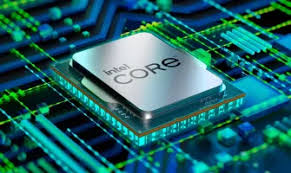
⚡ What is RAM? (Short-Term Memory)
RAM (Random Access Memory) is your computer’s short-term memory. It temporarily stores data that your CPU needs quick access to while performing tasks.
Key Points:
- Helps your device run multiple apps smoothly
- Clears when the device is turned off
- Measured in GB (gigabytes)
Simple Analogy:
RAM is like your desk space. A bigger desk lets you spread out more work at once without getting cluttered.
What to Look For:
- 8GB: Good for everyday use
- 16GB: Ideal for multitasking and gaming
- 32GB+: Best for heavy tasks like video editing
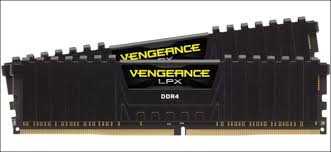
💾 What is an SSD? (Long-Term Storage)
An SSD (Solid State Drive) is where all your files, apps, and operating system are stored permanently.
Key Points:
- Much faster than older HDDs (Hard Disk Drives)
- No moving parts → more durable
- Measured in GB or TB (terabytes)
Simple Analogy:
Think of SSD as your cupboard where all your files are stored. A faster cupboard means quicker access to your things.
What to Look For:
1TB+: For heavy storage needs
256GB: Basic usage
512GB: Balanced option
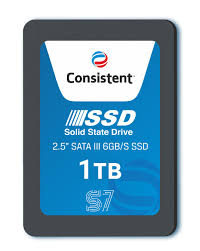
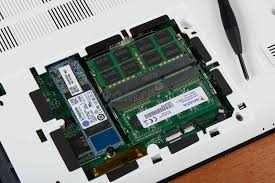
🔄 How They Work Together
These three components don’t work alone—they function as a team:
- CPU → Processes tasks
- RAM → Holds active data for quick access
- SSD → Stores everything permanently
Real-Life Scenario:
When you open a game:
- It loads from the SSD
- Moves into RAM for quick access
- The CPU processes everything while you play
⚖️ Quick Comparison Table
| Component | Role | Speed | Capacity | Best For |
|---|---|---|---|---|
| CPU | Processing | Very Fast | N/A | Performance & multitasking |
| RAM | Short-term memory | Extremely Fast | 8GB–32GB | Running apps smoothly |
| SSD | Storage | Fast | 256GB–2TB+ | Saving files & quick load times |
🛒 What Should You Prioritize?
If you’re buying a computer:
- 💻 For students/basic users → 8GB RAM + SSD + mid-range CPU
- 🎮 For gamers → Strong CPU + 16GB RAM + SSD
- 🎬 For creators → High-end CPU + 32GB RAM + large SSD
🚀 Final Thoughts
Understanding RAM, SSD, and CPU doesn’t require a tech background. Just remember:
- CPU = Brain
- RAM = Workspace
- SSD = Storage
A balanced combination of all three ensures your computer runs smoothly and efficiently. Instead of focusing on just one component, aim for a system where all three work well together.